

Bignaam Study Tracker – Software for Students, Parents & Teachers
Study Tracker Software for Students, Parents & Teachers
Managing studies effectively requires more than just attending classes and completing homework. Students need a clear way to organise their subjects, record study sessions, monitor test performance and understand where they need to improve. Parents want to follow their children’s academic progress, while teachers need a practical way to review study activity and performance across multiple students.
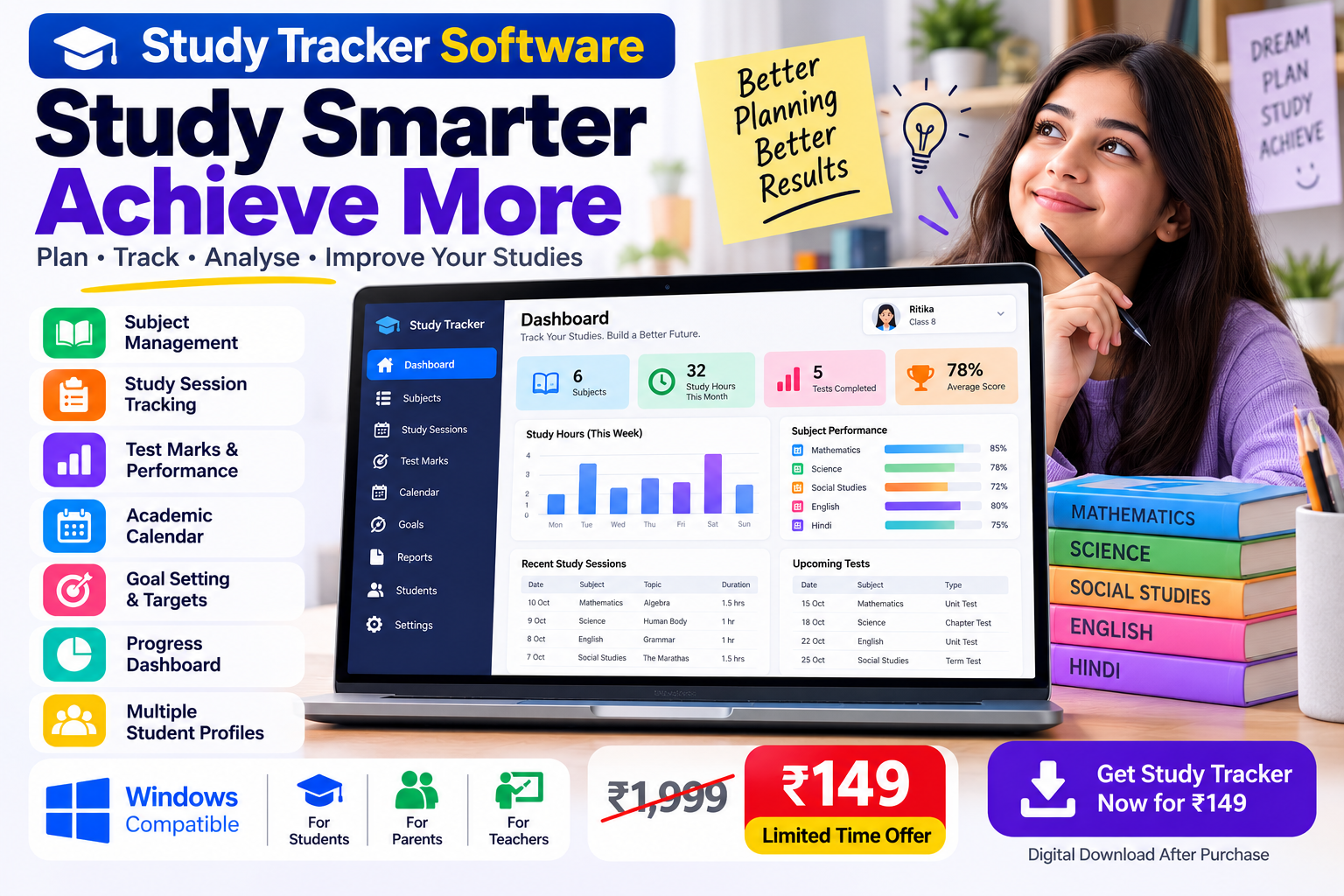
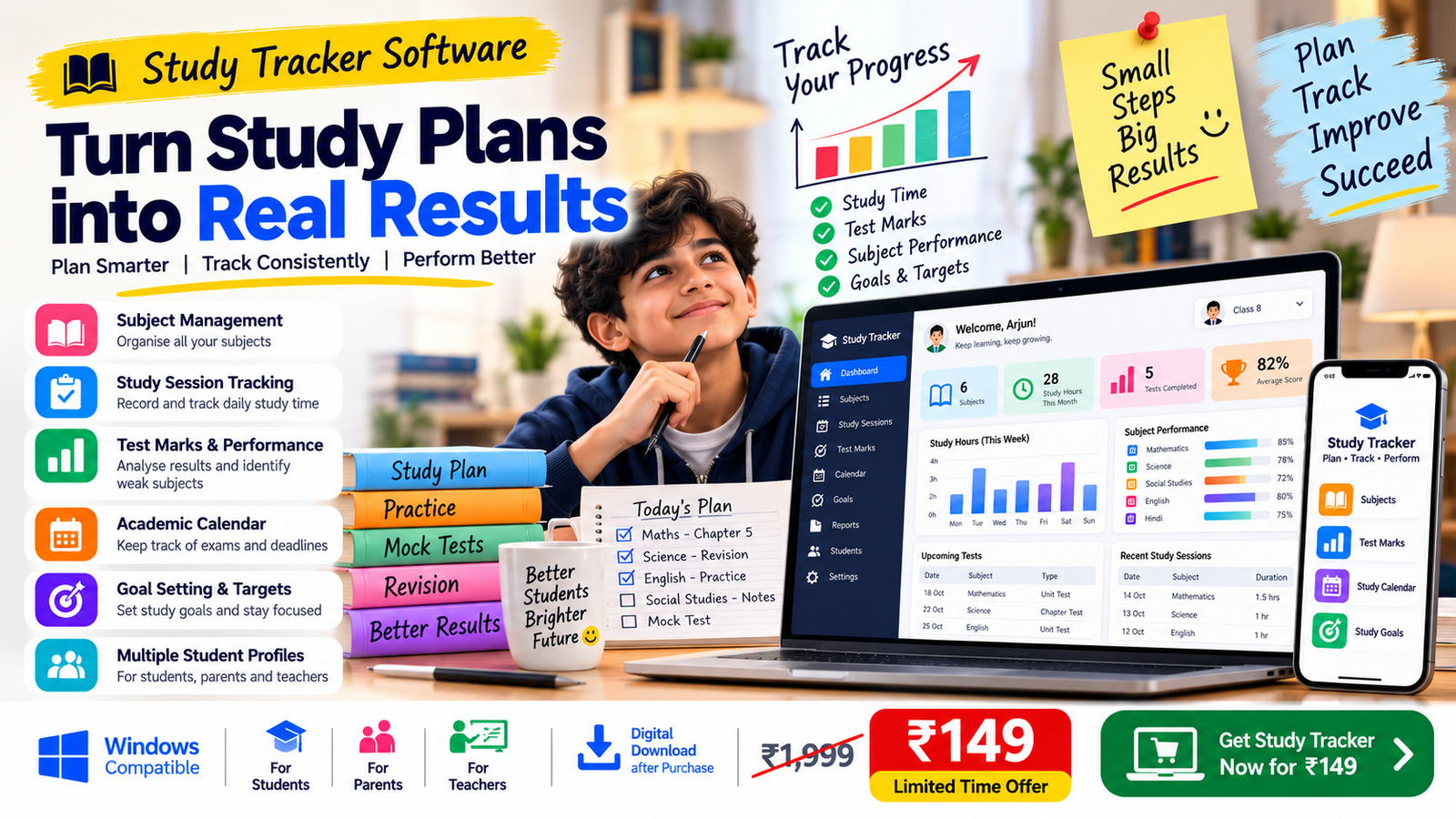
Bignaam Enterprises Study Tracker is a Windows desktop study management solution designed to help students, parents and teachers organise academic information in one place. It combines study tracking, subject management, test score recording and progress monitoring with a companion Excel template for structured academic record-keeping.
Whether you are a student preparing for school examinations, a parent helping children develop better study routines, or a teacher who wants to maintain organised academic records, this tool provides a practical way to review study activity and track progress over time.
1. Organise Subjects in One Place
Keeping track of several subjects can become confusing, especially when examination dates approach. The Study Tracker helps you organise your subjects and maintain a clearer view of your academic priorities.
Use the companion Excel template to maintain subject details and target scores. Having this information organised makes it easier to identify which subjects need more attention and plan study time accordingly.
Instead of relying entirely on scattered notes or separate records, you can maintain a more structured approach to academic planning.
2. Record Daily Study Sessions
Understanding how you use your study time can help you make better decisions about your routine. The study log in the Excel companion lets you record details such as dates, study hours, subjects, topics and study methods.
These records can help you review your study activity and reflect on whether you are giving sufficient attention to your academic priorities.
For students, this can support more organised revision. For parents, it can provide a useful record to discuss with their children. Teachers can use structured records as part of their own academic review process.
3. Track Test Marks and Percentages
Marks are an important part of understanding academic performance. The companion Excel template includes a test-recording section for entering assessment details and marks.
It automatically calculates percentages from the marks entered, helping you review results without calculating every percentage manually.
Over time, recorded results can help you identify subjects in which you perform consistently and areas where additional revision may be useful. Remember that marks are only one measure of learning, so they should be considered alongside understanding, practice and classroom performance.
4. Review Your Academic Progress Through a Dashboard
The Excel companion includes a dashboard designed to bring important study information together in one place.
Depending on the records entered, dashboard summaries include total study hours, number of study sessions, number of tests, average test score and active subjects.
These summaries provide a convenient overview of your recorded activity. Rather than checking every entry separately, you can review key figures and decide what deserves your attention next.
The dashboard becomes more useful as you maintain regular and accurate records.
5. Plan Across the Academic Year
Study goals change throughout the year. Students may need to focus on completing chapters, revising earlier topics, preparing for unit tests or getting ready for final examinations.
The companion Excel template includes a 12-month view to help you review study records across the year. This longer-term perspective can support planning, reflection and the identification of patterns in your academic activity.
Use your records to make practical adjustments to your routine instead of waiting until the last few days before an examination.
6. Designed for Students, Parents and Teachers
For students: Maintain organised study records, record test results, review subject priorities and become more aware of how you use your study time.
For parents: Keep track of academic information for your children and use recorded study activity and test results to support constructive discussions about progress.
For teachers: Maintain structured records that can assist with reviewing study activity and assessment performance for multiple students, according to your own workflow.
The software is intended as an organisational aid. It does not replace teaching, personal guidance, school records or professional academic assessment.
7. Manage Multiple Student Profiles
Families and educators may need to organise information for more than one student. The Windows Study Tracker has been designed with multiple profiles in mind, helping users maintain separate student records within the supported application workflow.
The selected-student dashboard is intended to make it easier to focus on the relevant student’s information.
Please note that profile management does not automatically mean that the software offers separate user accounts, password-based access permissions or online synchronisation. These capabilities should not be assumed unless specifically provided with your version.
8. A Companion Excel Template for Structured Records
Alongside the Windows desktop application, the product includes a companion Excel template for organising academic information.
The template includes a dashboard, subject records and target scores, a study log, test records with automatic percentage calculations, a 12-month view and instructions for use.
The Excel component offers a familiar spreadsheet-based method of maintaining records. It can complement the desktop application as part of your study management workflow.
9. Build a More Organised Study Routine
Effective study management is not about recording numbers alone. It is about using information to make better decisions.
When you record study sessions, monitor test marks and review subject priorities regularly, you can make your next study plan more purposeful. You can recognise topics that need additional revision, acknowledge your effort and make adjustments when your routine is not working as expected.
The Study Tracker provides a structured starting point for this process. Its usefulness depends on consistent record-keeping and how you apply the information to your learning goals.
What Is Included?
The product package is intended to include:
- Windows desktop Study Tracker software.
- Companion Excel Study Tracker template.
- Dashboard and study-recording tools available in the supplied files.
- Subject tracking and target-score records in the Excel template.
- Study session log for dates, hours, topics and methods.
- Test marks and automatic percentage calculations in the Excel template.
- 12-month view and usage instructions in the Excel template.
- User guide and software licence agreement, where supplied with the final download package.
Only files actually included with the delivered package should be considered part of the purchase.
Product Information
Product name: Bignaam Enterprises Study Tracker – Software for Students, Parents & Teachers
Product type: Digital productivity and academic record-management tool
Platform: Windows desktop software with a companion Excel template
Price: ₹149 introductory sale price; listed regular price ₹1,999
Delivery: Digital delivery after purchase, according to the instructions provided at checkout
Support: support@bignaam.com
Before purchasing, review the product page for the current version, system requirements, installation instructions and exact files included in the download. The product is intended to help organise study records; it does not guarantee improved marks or academic results.
Start Organising Your Studies
A clearer view of study sessions, subjects and assessment results can help you approach your academic goals with greater structure. Whether you are managing your own learning, supporting your children or maintaining academic records for students, Bignaam Enterprises Study Tracker brings useful study information into a more organised workflow.
Get the Study Tracker for ₹149 and take a more structured approach to recording study activity and reviewing academic progress.




Reviews
There are no reviews yet.